
How to invite people who reacted to your Facebook posts to follow your page?
Facebook allows you to invite every user who liked or used a reaction emoji to follow your Facebook page. However, doing this manually is time-consuming. Even though some can be invited via the Business Suite tools, not all interactions are recognized. Auto Inviter Pro allows you to invite them on your behalf while mimicking human behavior to avoid being blocked by Facebook.
Click on the number of people who reacted to one of your posts.
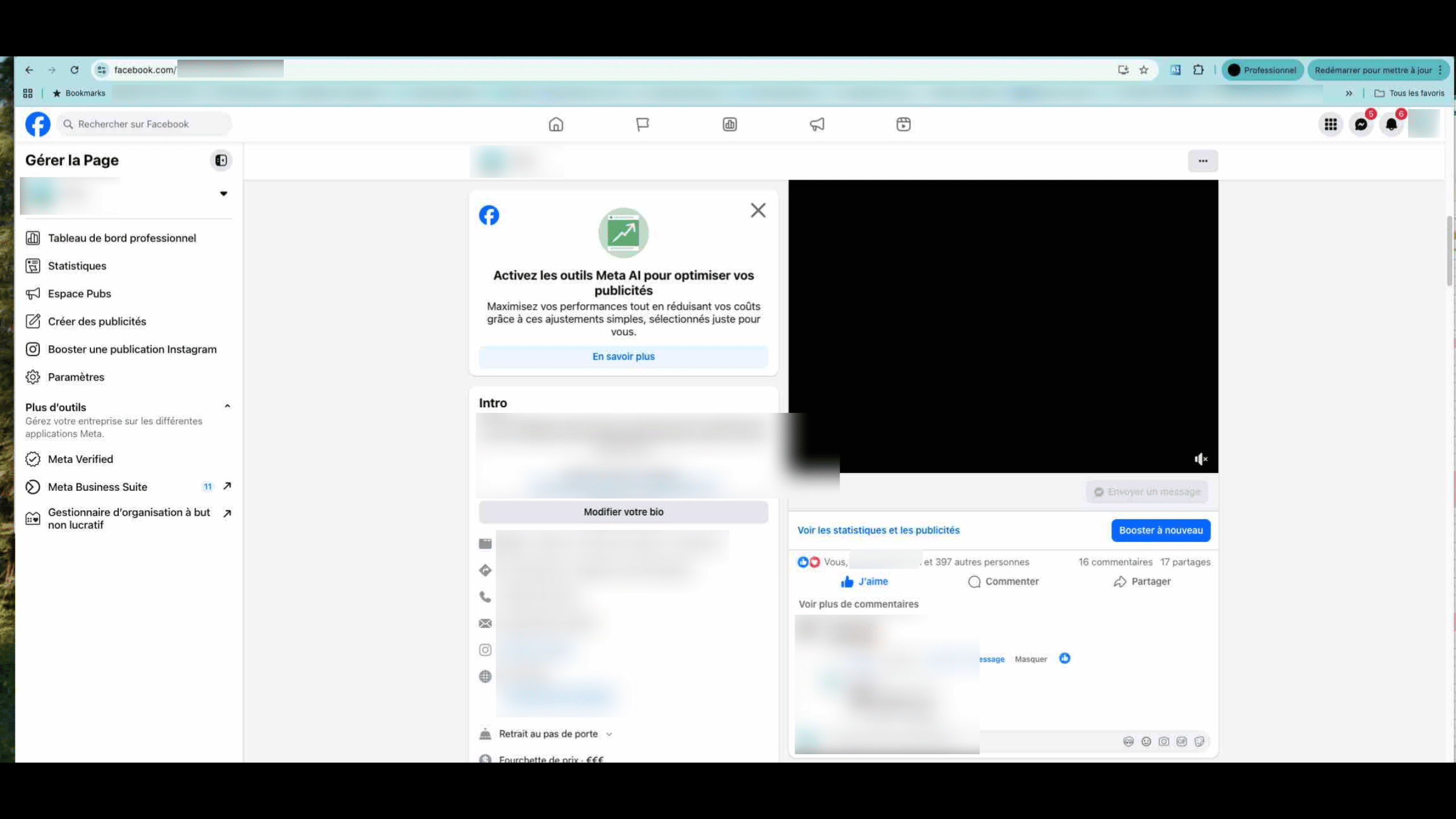
Some pages no longer allow opening from the left side under the image; you must now click on the emojis on the right to display the list of people to invite.

Once the popup is open, click on the AI extension button (Auto Inviter Pro).
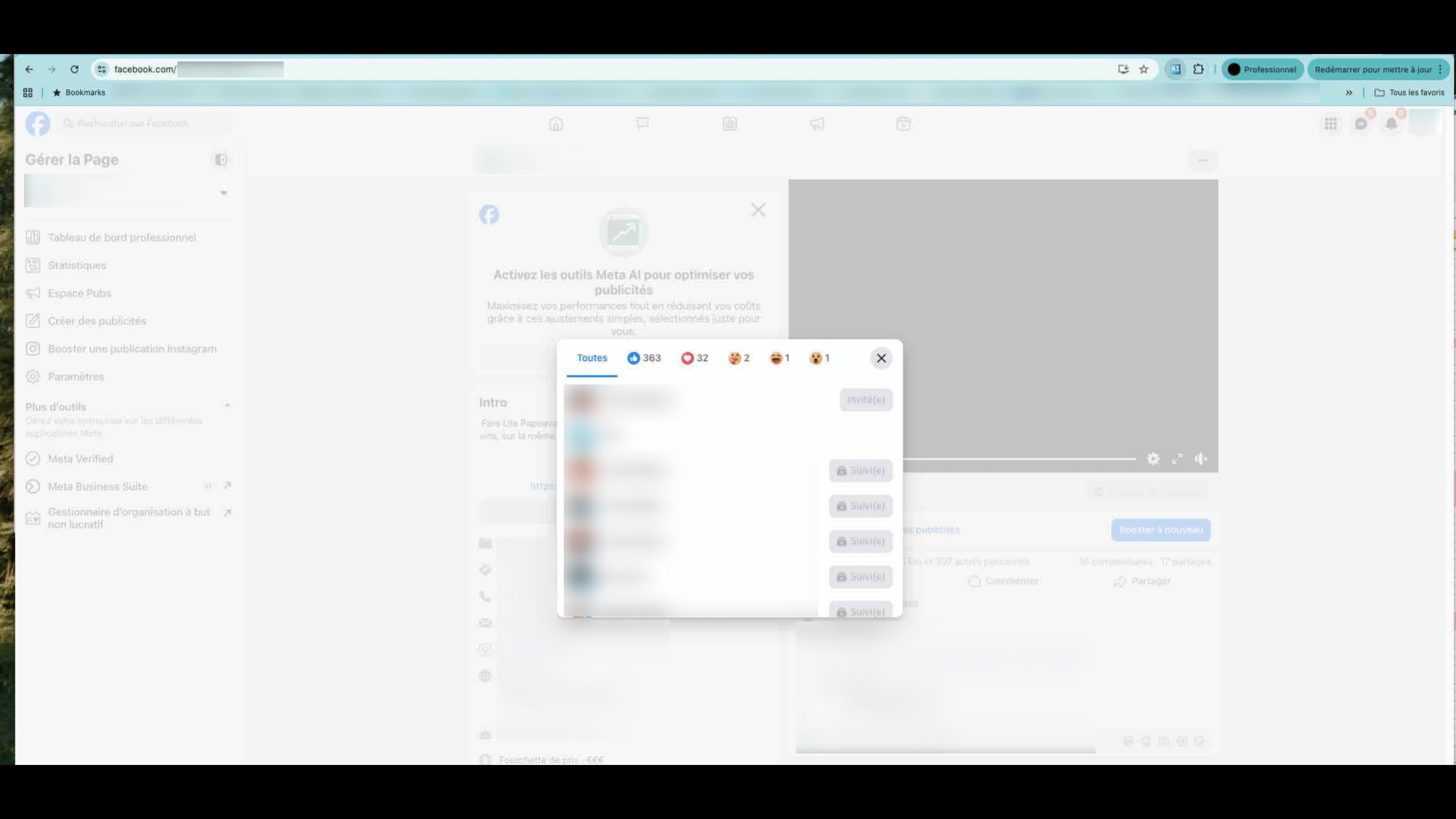
Start the invitations by clicking the button. Then watch your robot invite users for you.
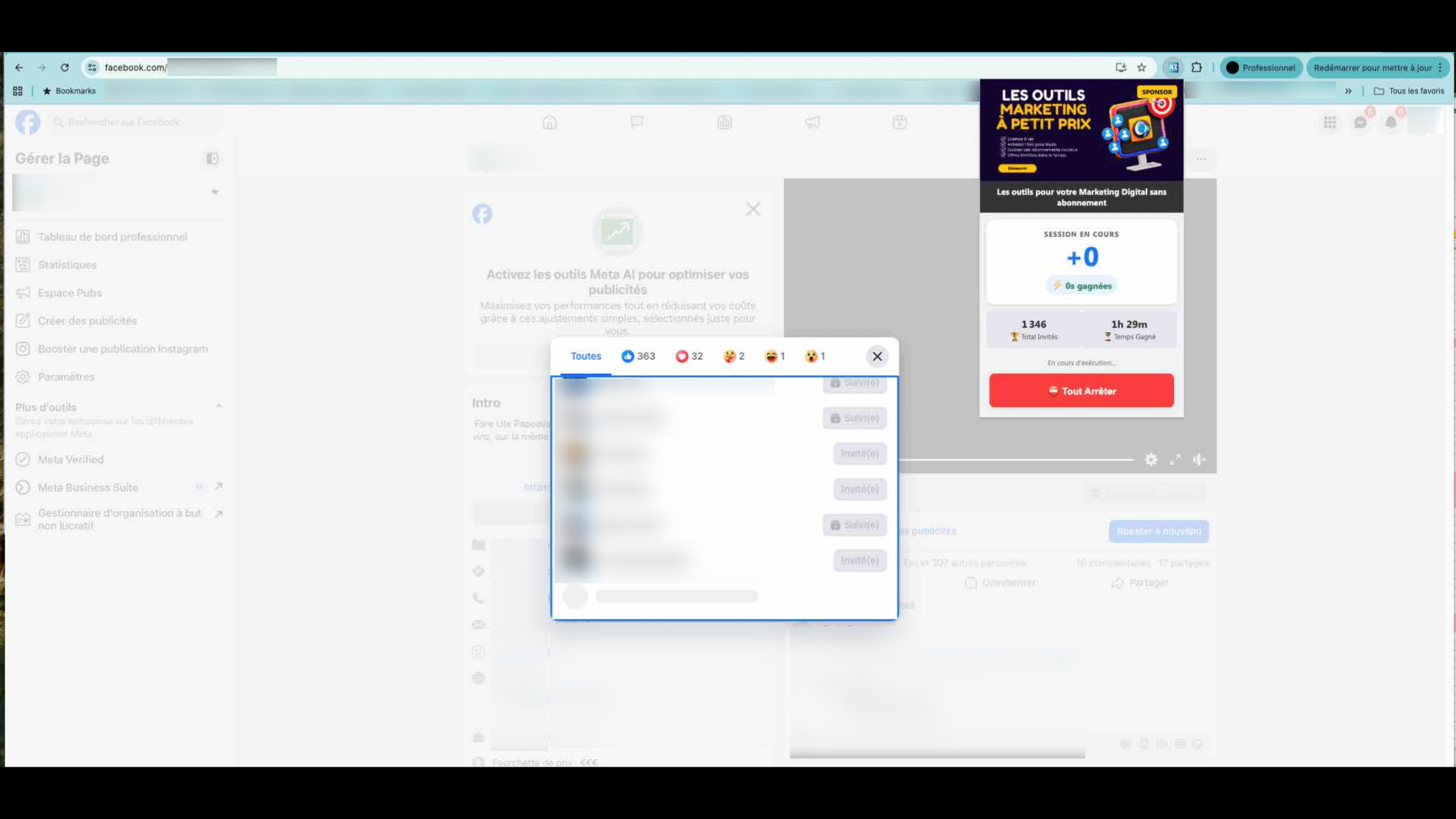
To prevent the robot from stopping, make sure to keep the window open and visible at least slightly in a corner of your screen.